How to Make WhatsApp Messages Disappear by De
Want an added privacy boost for all of your WhatsApp me...








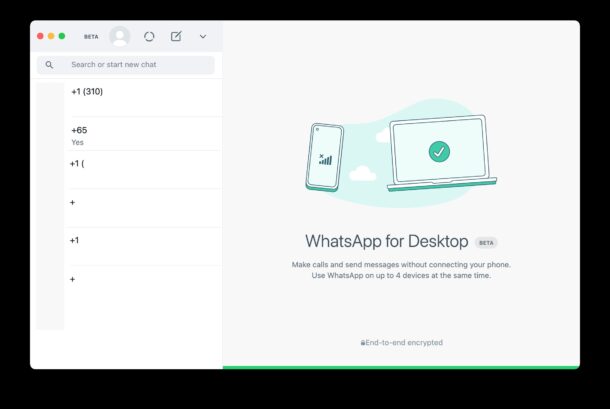
The latest versions of WhatsApp for Mac and Windows allow you to use WhatsApp on the computer without having a phone that is connected to the internet. For example, you can continue to use WhatsApp on a Mac while your iPhone is updating system software and offline during that process, or you can use WhatsApp on the computer and turn off your phone if you just want some peace and quiet. This works exactly the same with WhatsApp on Mac, Windows PC, iPhone, and Android, but of course we’ll be focusing on the Mac and iPhone side of things here.
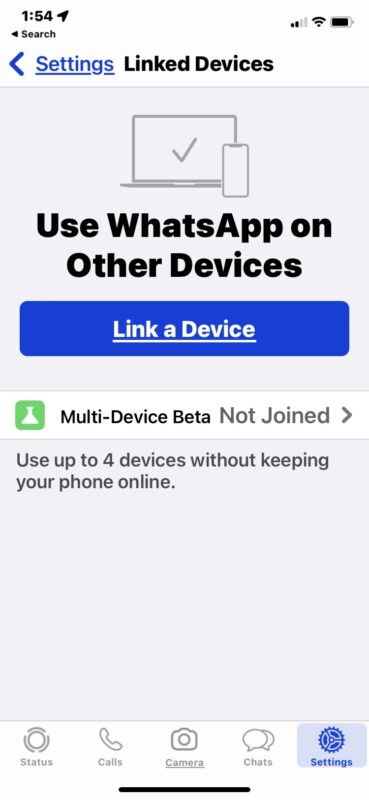
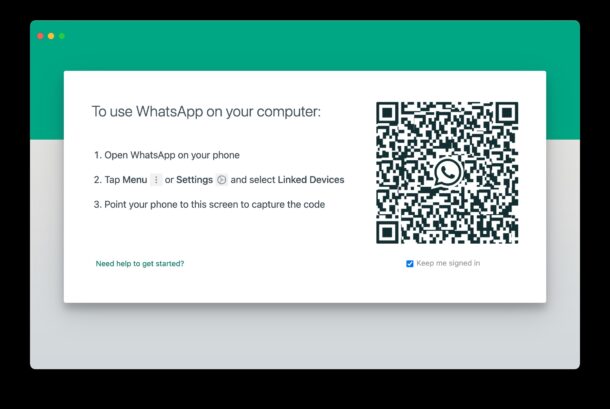
Here’s how you can link WhatsApp on a computer, whether your iPhone (or Android) is connected to the internet or not.
Previous
Next
Now if your iPhone (or Android, no judgments!) is offline, you can continue to use WhatsApp on the Mac (or PC, not judging!), chatting away.
This is a handy if your phone goes offline or gets disconnected for whatever reason, but you still want to message people through WhatsApp on the computer. Some common examples are if you turned your phone off, if the phone is updating system software, if the cellular network is down but wi-fi is working, or many other scenarios where the phone isn’t online but the computer is. Without this linked device feature enabled, when your iPhone is offline or not connected to the internet, WhatsApp on the computer also will not work.